WebChat for Microsoft Teams
Whatsapp Business / Chat Widget / SDK / Power Platform
30-day trial with up to 25 channels
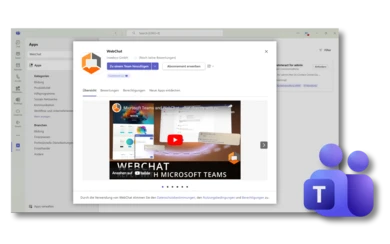
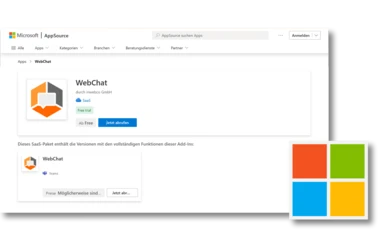

The next generation WebChat app

The right contact
Based on the landing page, you decide in which team channel the chat request is started. This ensures that the correct contact person always attends to the visitor. But don't worry, chats can also be transferred "on the fly" to other contacts.
Simple setup
With Microsoft SSO, you can log in directly to the configuration page; there is no separate user administration. You decide who has access to WebChat via Microsoft Teams.
Integration in Microsoft Teams
Thanks to the direct integration into Microsoft Teams, you don't need any additional software. You can create various WebChats and route them directly to the desired Microsoft Teams channel. This ensures that the visitor always receives a competent contact person and that the issue can be resolved quickly and satisfactorily.

Options for integrating the WebChat

1. installation
You can install WebChat in your Microsoft Teams using the sources listed above. With "Add to a team" you decide in which channel the WebChat should be inserted. You will receive and answer incoming chat requests in this channel.

2. configure
Customize the visual adjustments required for your company in the WebChat backend and configure WebChat according to your requirements. You can test the full range of functions at any time in the LiveTest area.

3. integration
Simply copy the script and integrate it into the desired websites. Of course, you can also set up separate WebChats for several channels and thus, for example, place URL-dependent WebChats with different stored team channels on your websites. This allows different departments to be addressed directly from the website.
Troubleshooting
Revolutionize your website communication: Integrate WebChat with Google Tag Manager!
Direct customer interaction for more customer satisfaction / Integrate WebChat directly on your website
Can't install WebChat?
Here you will find instructions for your IT administrator

Third-party app
If "Request approval" appears and you need to ask your IT administrator to approve the app.

SSO URL
An increased security level is activated in the tenant - what do you need to do to use WebChat with SSO via webchat.inwebco.com?
Features

Details zum konfigurieren des WebChats
Individualize
Install & configure
WebChat for Microsoft Teams - Quick setup and customization for website integration!
Install & configure

